
Training
Learn AI, simply and remotely
Live, 100% online courses for beginners, students and individuals. No jargon and no technical prerequisites: you leave with methods you can use the very next day.
- 100% online, live
- No technical prerequisites
- A hands-on exercise in every module
- Course materials included

Course 1
Talk to AI like a pro – Level 1
Prompting basics in 1 h 30: the 6-ingredient method to get answers from AI that you can use straight away, without rework.
- Duration
- 1 h 30
- Format
- Live video call, 6 to 20 participants, hands-on practice for every concept
- Who it’s for
- Beginners in generative AI: students, master’s students, PhD students and individuals
- Prerequisites
- None. A computer and a free Claude, ChatGPT or Copilot account.
No session scheduled yet. Registration opens as soon as the next date is set.
By the end, you will be able to
- Understand what a prompt is and spot why an answer is disappointing
- Structure a prompt with the 6 ingredients: role, context, goal, constraints, format, examples
- Get answers you can use as they are (email, table, list), without rework
- Make AI answers more reliable with examples (few-shot)
Programme
Welcome
- Introductions, session goals and outline
- Round table: how you use AI and where it has let you down
Why a prompt fails
- What is a prompt? AI fills the gaps with the “average” answer
- Before / after on a real case
- The 5 common mistakes: vague, missing information, ambiguous words, mixed tasks, no format
- Exercise: diagnose and rewrite a failed prompt
The 6-ingredient recipe
- Role, context, goal, constraints, format, examples: a before / after for each one
- Quick question: which ingredient is missing?
- Pair workshop: build a prompt step by step, one ingredient at a time
AI “secret codes”: myth and reality
- Why /HUMAN or KILLCRITIC are not hidden commands
- Create your own shortcuts in custom instructions
- Exercise: test a shortcut before and after defining it
Wrap-up
- Quick 5-question quiz
- Frequently asked questions (order of ingredients, two roles, changing one ingredient…)
- To take away: a revision cheat sheet and a booklet of 7 exercises with answers
Course 2
Talk to AI like a pro – Level 2
Intermediate level: move from a good prompt to a reliable, reusable one, with templates, prompt chains and structured answers.
- Format
- Live video call, 6 to 20 participants, hands-on practice for every concept
- Who it’s for
- People who already use AI and want more consistent results: students, individuals, freelancers, entrepreneurs and small-business employees
- Prerequisites
- Level 1, or knowing the 6-ingredient method. A free Claude, ChatGPT or Copilot account.
No session scheduled yet. Registration opens as soon as the next date is set.
Programme
The detailed programme is coming very soon.
Course 3
Talk to AI like a pro – Level 3
Advanced level: reasoning, long documents, agents and automations, to get the most out of AI in your projects.
- Format
- Live video call, 6 to 20 participants, demos and a final project
- Who it’s for
- Students, freelancers and professionals who want to build AI into their projects and tools
- Prerequisites
- Level 2, or using structured prompts every week. No programming skills needed.
No session scheduled yet. Registration opens as soon as the next date is set.
Programme
The detailed programme is coming very soon.
Course 4
LLMs and RAG for absolute beginners
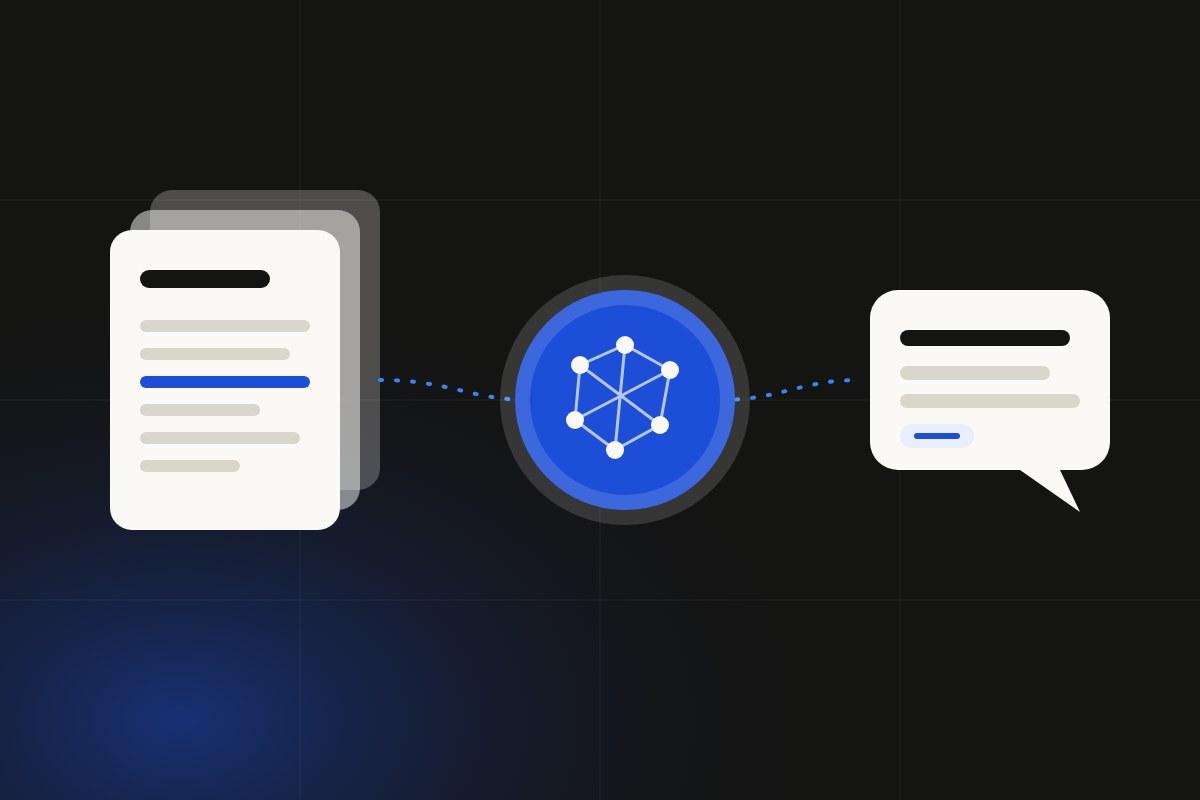
Understand, without jargon or maths, how AIs like ChatGPT work, then build your own assistant that answers from your documents.
- Duration
- 7 h, in 2 sessions of 3 h 30
- Format
- Live video call, 6 to 20 participants, guided no-code workshop
- Who it’s for
- Beginners, students and individuals curious to understand generative AI and use it on their own documents
- Prerequisites
- No programming skills. Knowing how to use a web browser.
No session scheduled yet. Registration opens as soon as the next date is set.
By the end, you will be able to
- Explain simply what an LLM is and why it sometimes gets things wrong
- Choose the right AI tool for your needs
- Understand RAG: how an AI relies on your documents
- Build, without code, an assistant that answers from your files
Programme
What is an LLM?
- Training, tokens and context window, explained with pictures
- What an LLM can and cannot do
- Live demonstration
A tour of the tools
- ChatGPT, Claude, Gemini, Mistral and open-source models
- Free or paid: which to choose?
- Exercise: compare three AIs on the same question
The limits, and how to work around them
- Hallucinations and outdated knowledge
- Keeping your data private
- Why RAG was invented
RAG explained simply
- Split, index, retrieve, answer
- Embeddings without a single formula
- Real examples of RAG assistants
Workshop: your assistant on your documents
- Preparing your documents (courses, notes, PDFs)
- Building the assistant step by step, without code
- Testing it and improving its answers
Evaluating and going further
- Measuring answer quality
- AI agents and automations: what comes next
- Questions and answers
Course 5
The journey of a prompt
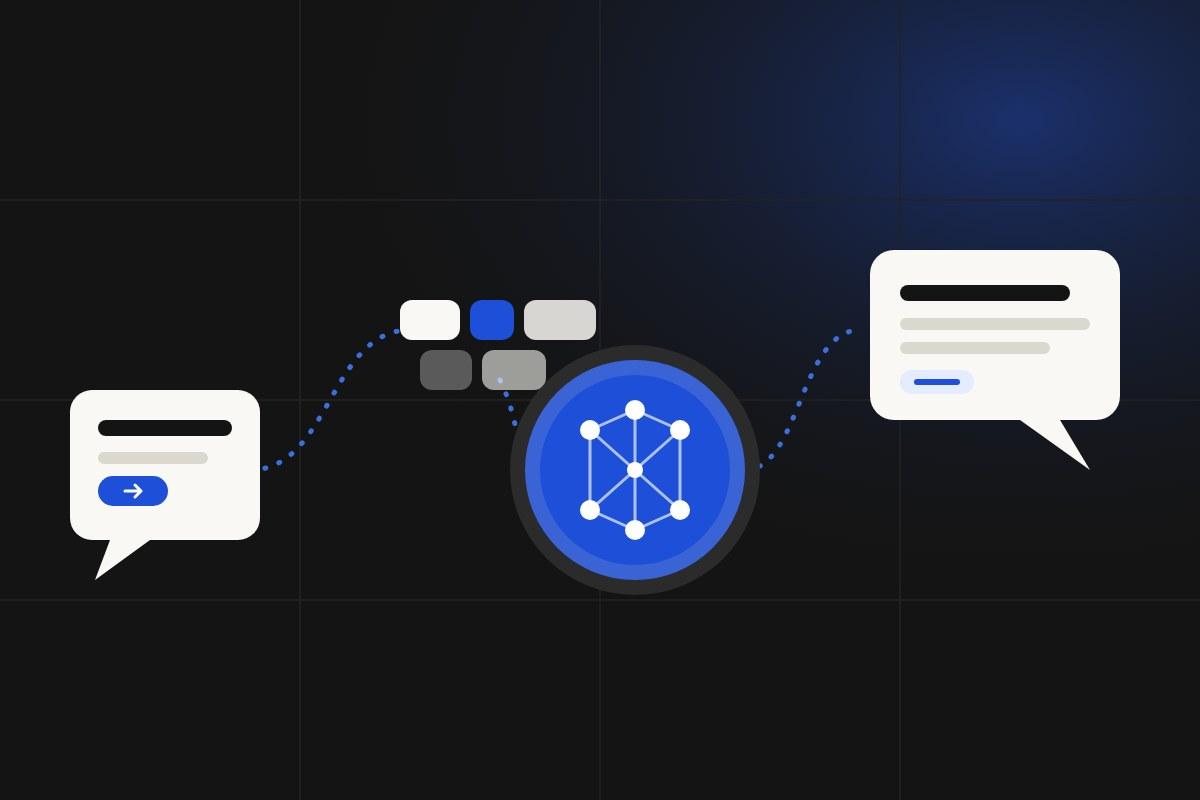
Understand how ChatGPT and Claude “think”. What happens between the moment you click “Send” and the moment the answer appears? This course follows a sentence through an AI’s “brain”, step by step, with no formulas and no code.
- Duration
- 2 h 30 to 3 h
- Format
- Live video call, 6 to 20 participants
- Who it’s for
- Master’s students, PhD candidates and researchers, from every discipline
- Prerequisites
- None. You just need to have used ChatGPT, Claude or a similar tool before.
No session scheduled yet. Registration opens as soon as the next date is set.
Programme
The detailed programme is coming very soon.

Course 6
Critical use and limits of AI
Use AI without taking it at its word. Spot errors and “hallucinations”, check an answer, recognise bias and know when ChatGPT, Claude and other tools cannot be trusted.
- Duration
- 1 h 30
- Format
- Live video call, 6 to 20 participants
No session scheduled yet. Registration opens as soon as the next date is set.
Programme
The detailed programme is coming very soon.
Course 7
Under the hood of AI: the maths of an LLM
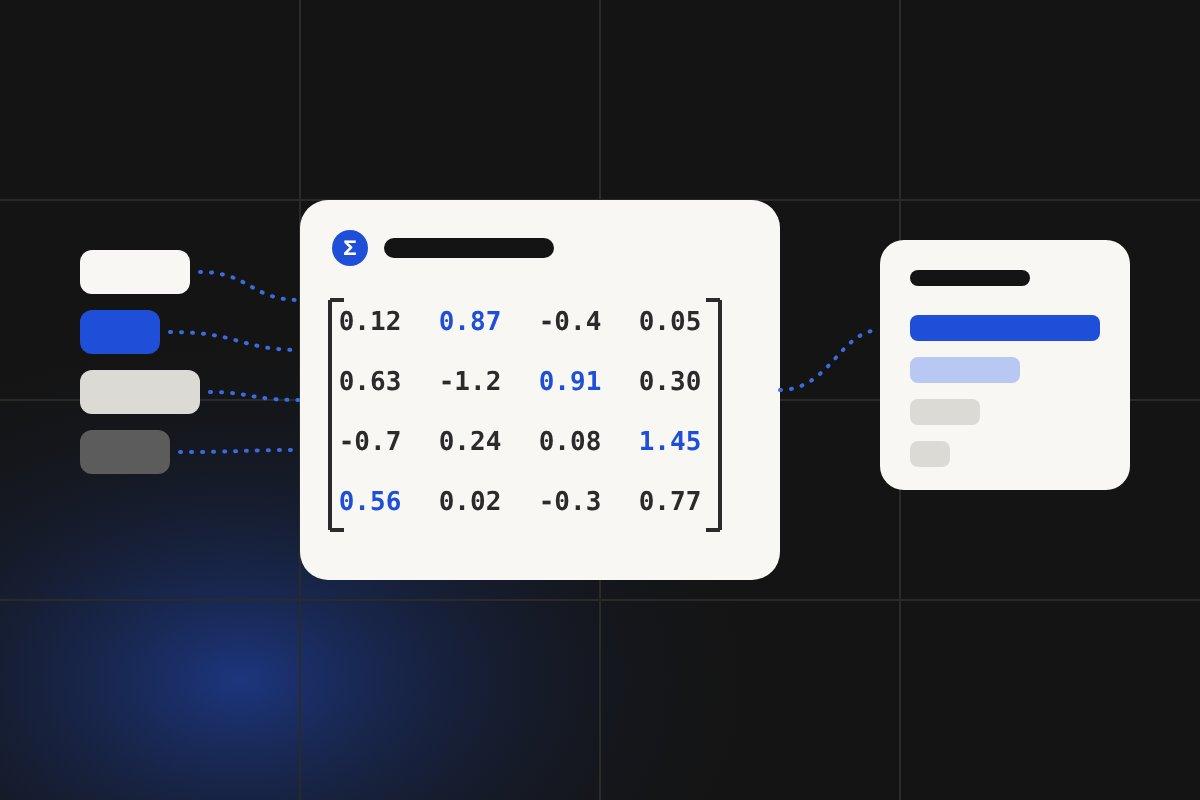
Open the hood of an LLM such as ChatGPT or Claude and look at the calculations behind every word: splitting text into tokens, turning them into numbers, the attention mechanism and choosing the next word by probability.
- Format
- Live video call, 6 to 20 participants
- Who it’s for
- Engineering and science students who are comfortable with a little maths
- Prerequisites
- Being comfortable with a little maths. The hands-on exercises are done in Python.
No session scheduled yet. Registration opens as soon as the next date is set.
Programme
The detailed programme is coming very soon.
A question before you register?
Level, dates, funding or a tailored course for a group: let’s talk.